


Description
Product Overview
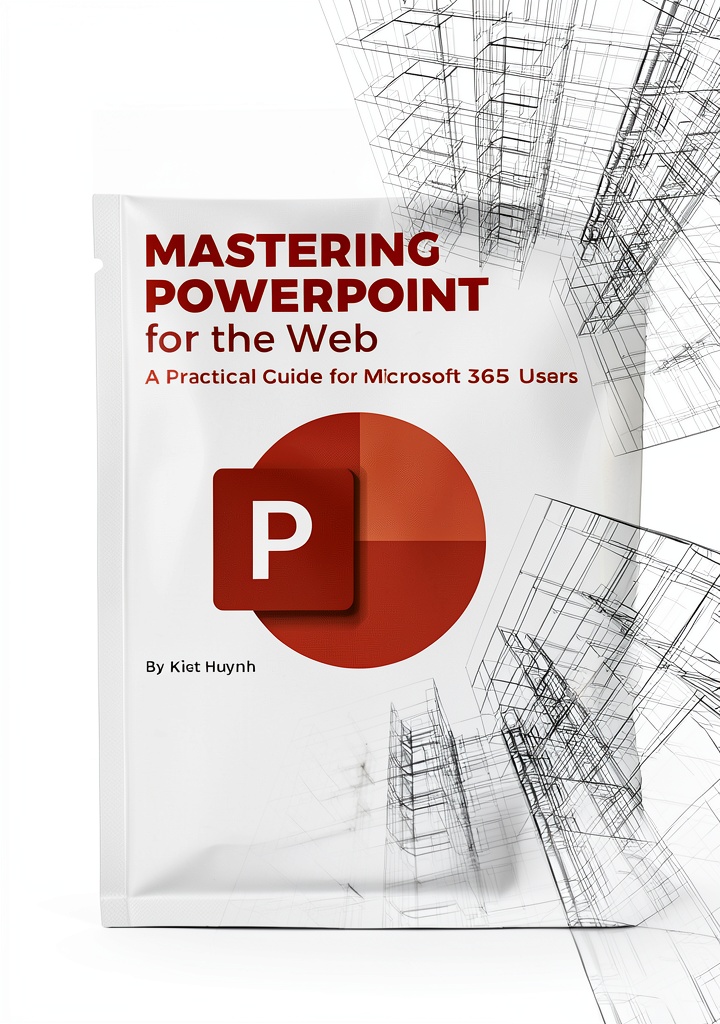
This eBook is part of the Microsoft 365 Essentials: Tools for Productivity series, offering a detailed exploration of Microsoft 365 applications to boost efficiency and collaboration. Published on June 13, 2025, it spans 427 pages in English, with a file size of 6.4 MB, ensuring quick downloads and smooth reading. Key specifications include support for screen readers, enhanced typesetting for better readability, Word Wise for vocabulary assistance, and Page Flip for seamless navigation. It allows unlimited simultaneous device usage, making it accessible across multiple platforms without restrictions. The content is optimized for digital consumption, focusing on practical skills and real-world applications.
Usage
This eBook is designed for professionals, students, and anyone looking to enhance their productivity using Microsoft 365 tools. It is ideal for office environments, remote work setups, and educational institutions where efficient software utilization is crucial. Use it to prepare presentations, manage projects, or learn advanced features during self-paced study sessions. The unlimited device usage feature allows sharing across teams or accessing it on personal devices like tablets, smartphones, or computers, making it versatile for on-the-go learning and collaborative work.
Why Choose Us
This eBook stands out due to its comprehensive coverage of Microsoft 365 essentials, backed by the trusted Tools for Productivity series. It offers up-to-date content aligned with the latest software updates, ensuring relevance and accuracy. The inclusion of accessibility features like screen reader support and enhanced typesetting makes it inclusive for all users, while unlimited device usage provides unmatched flexibility. Crafted with clear, actionable insights, it avoids fluff and focuses on practical knowledge, helping users achieve tangible improvements in their workflow and presentation skills without unnecessary complexity.
Key Features
- Comprehensive 427-page guide covering Microsoft 365 productivity tools and presentation software
- Enhanced typesetting and Word Wise for improved readability and vocabulary support
- Screen reader compatibility and Page Flip for accessible and smooth navigation
- Unlimited simultaneous device usage for flexible learning across multiple platforms
- Up-to-date content from the Microsoft 365 Essentials series, ensuring practical and relevant insights
FAQ
What devices can I use to read this eBook?
This eBook supports unlimited simultaneous device usage, so you can access it on Kindle, tablets, smartphones, and computers with compatible apps.
Does it include help for Microsoft PowerPoint?
Yes, it covers Microsoft PowerPoint guides and presentation software, providing tips and techniques for creating effective presentations.
Is this eBook accessible for users with visual impairments?
Absolutely, it features screen reader support and enhanced typesetting to assist users with visual impairments in navigating and understanding the content.
Can I share this eBook with my team or classmates?
While unlimited device usage allows access on multiple devices, sharing may depend on your account settings and platform terms; check the service provider for details.
How current is the information in this eBook?
The eBook is published in 2025 and part of a modern series, so it includes recent updates and best practices for Microsoft 365 tools.




Reviews
There are no reviews yet.